
KaFlashFlash
Mobile productivityTurn your phone into a full-screen display of moving text, light and colour.
Scan an airtime scratch card with your phone camera and top up in seconds.
Buying airtime with scratch cards usually means squinting at a long PIN and typing it, digit by digit, into a recharge code. One wrong digit and you start again.
ScanTopUp removes that step. Point your camera at the scratch panel and the app reads the PIN for you. It then combines the PIN with the right recharge format for your network and opens your phone’s dialer, ready for you to confirm.
Econet, NetOne and Telecel in Zimbabwe are built in. If your network is not listed, you can add its name and recharge short code as a custom operator.
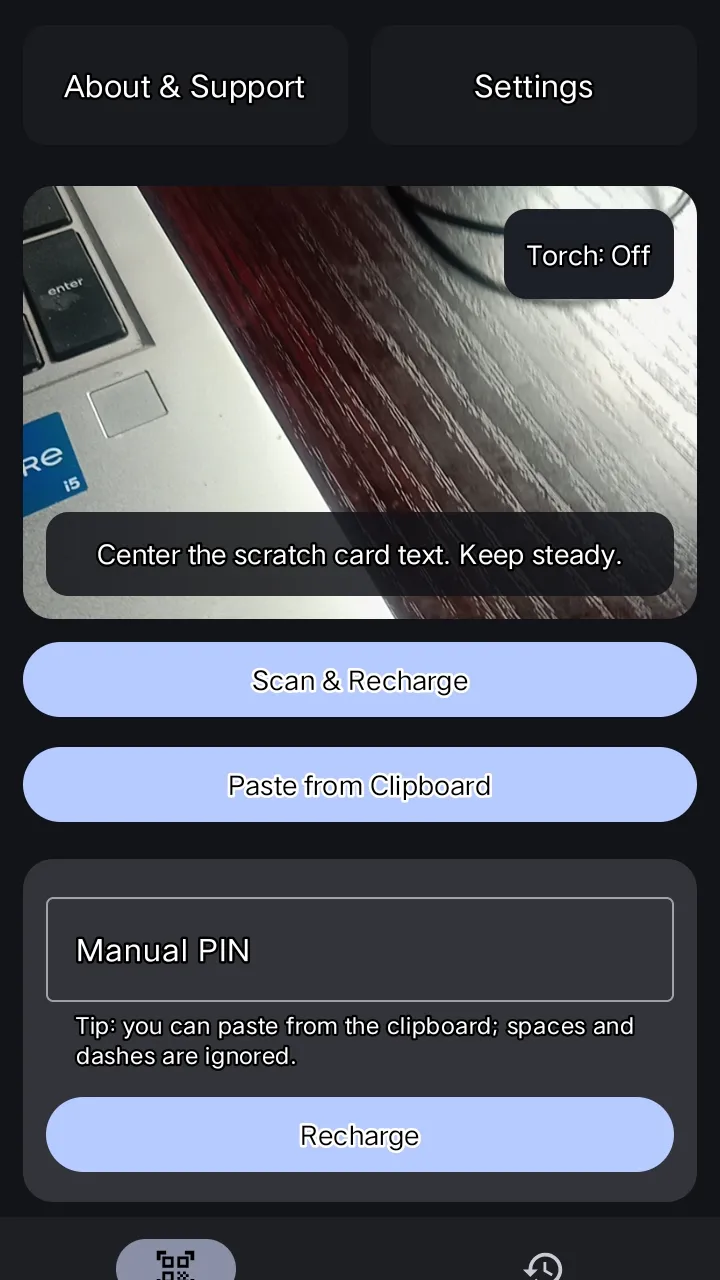
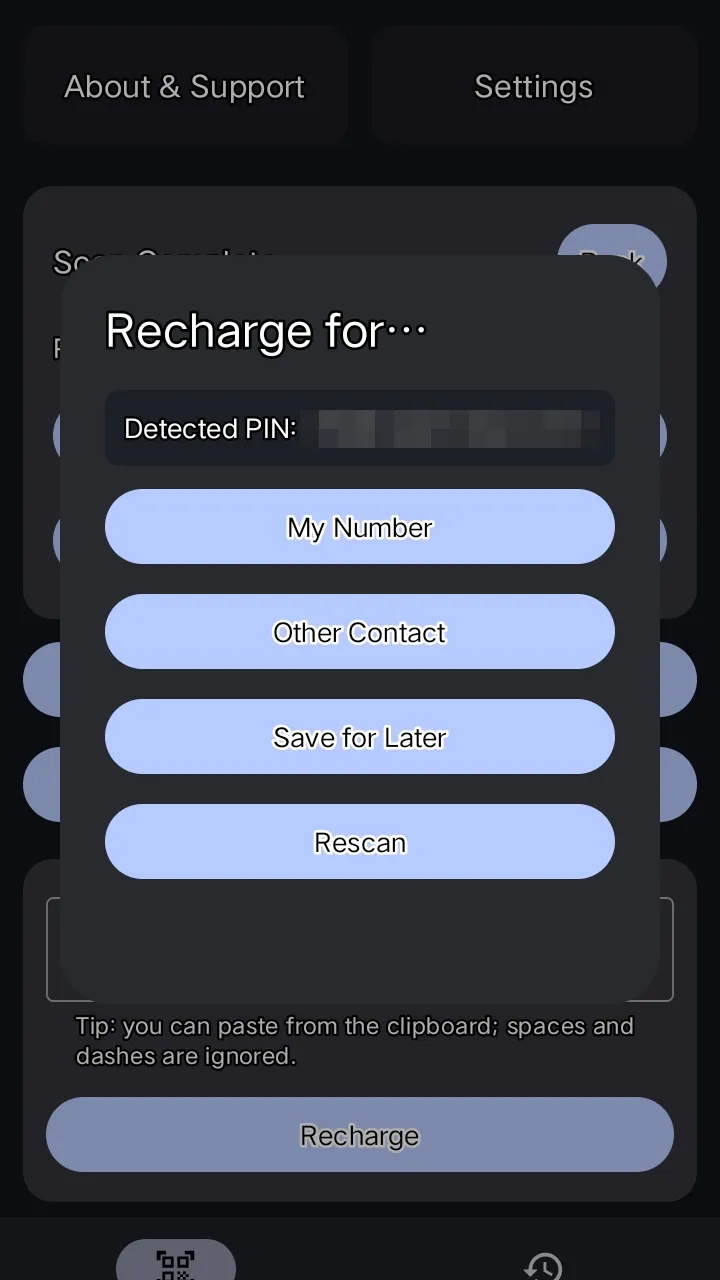
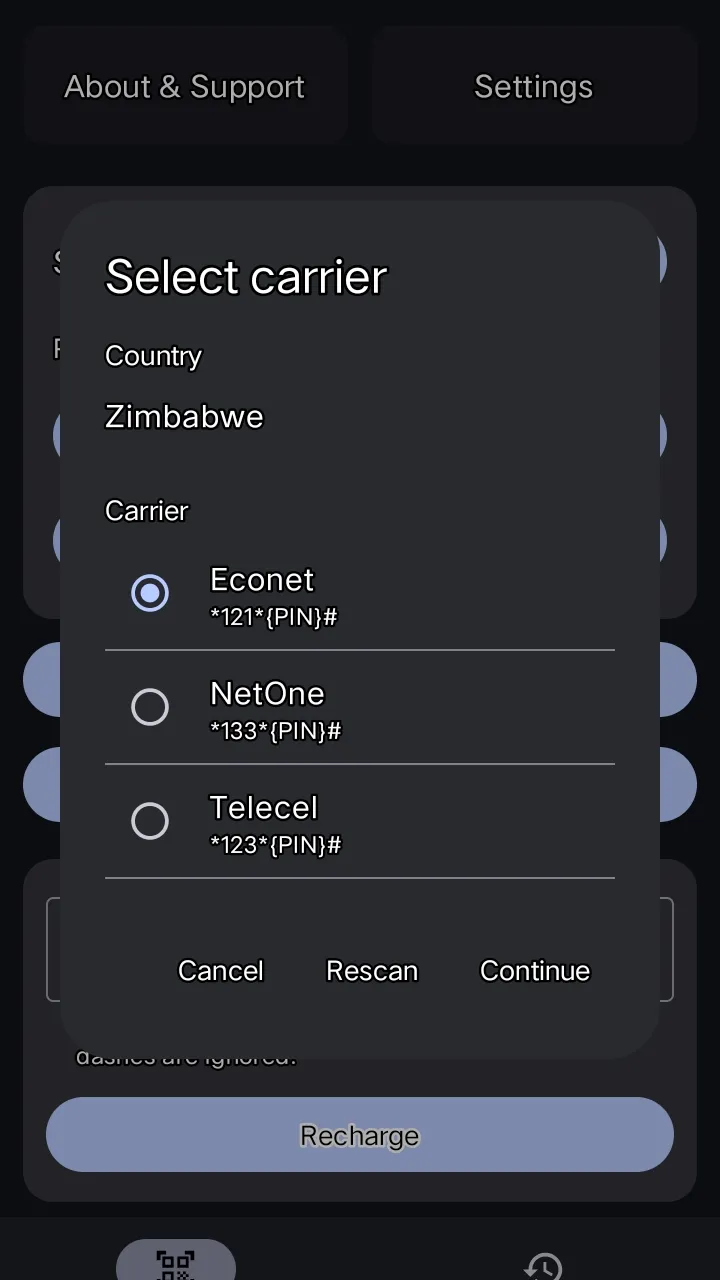
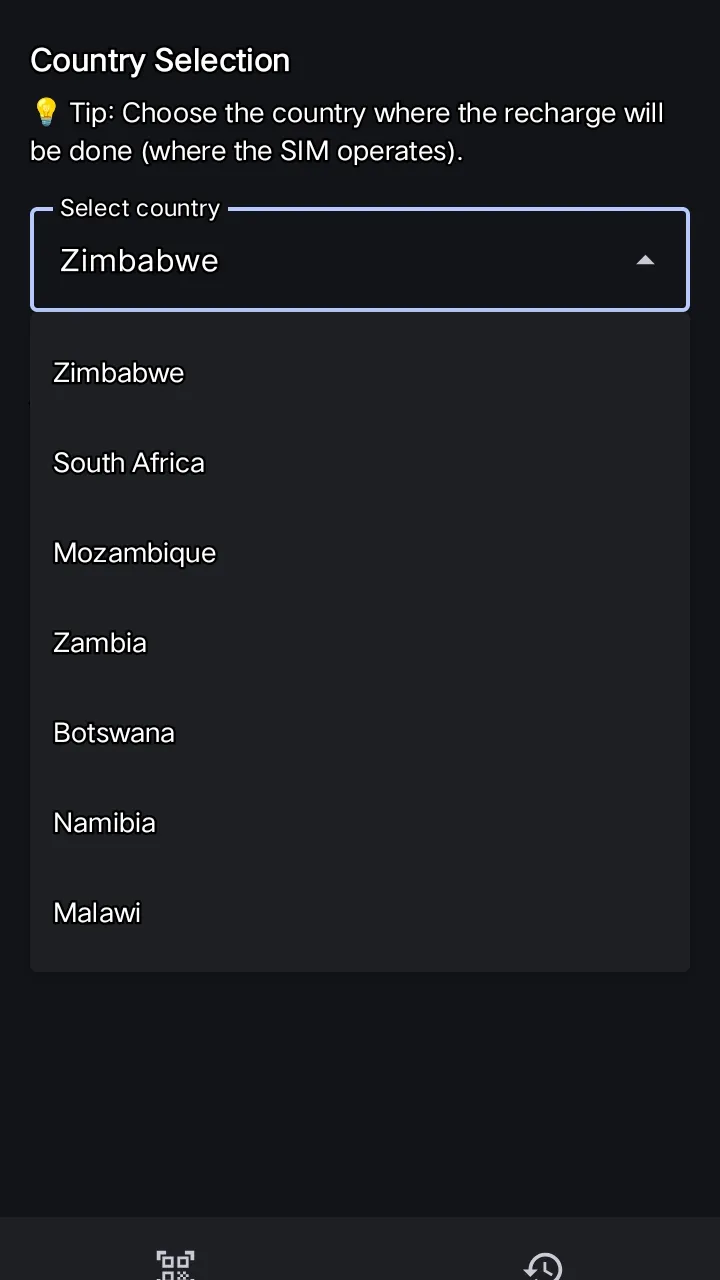
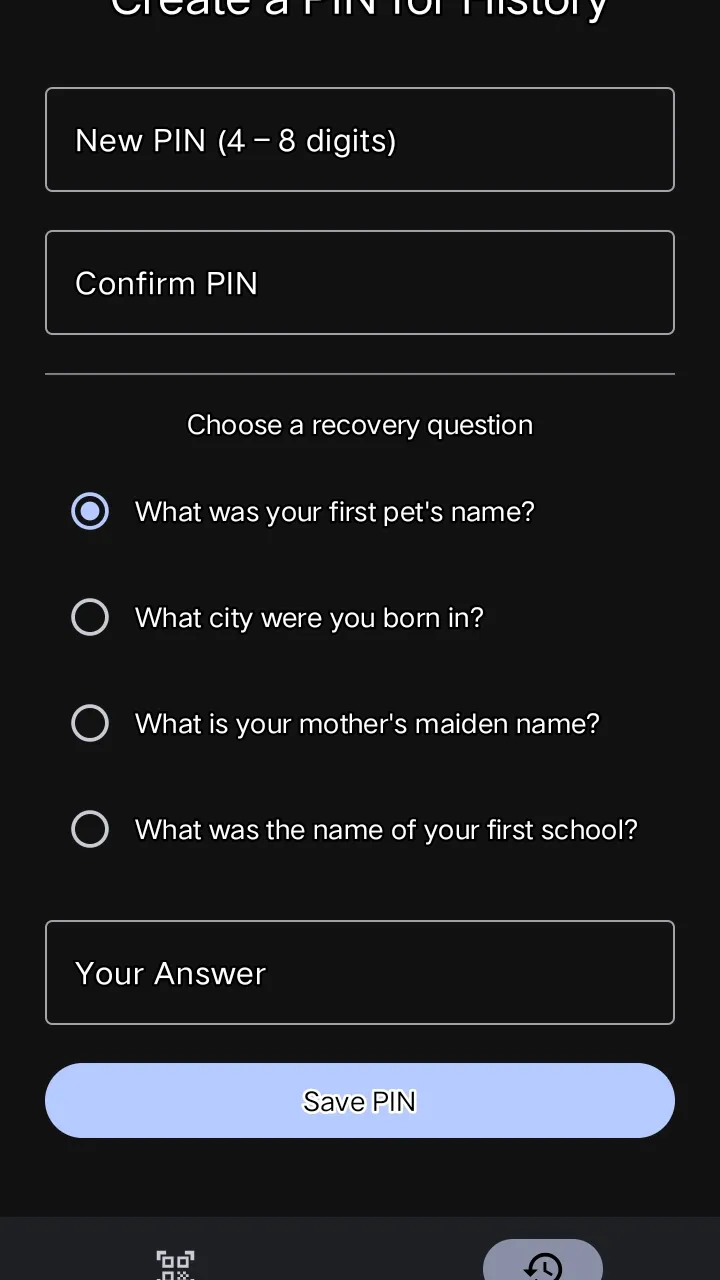
Scroll sideways to see more screenshots.
ScanTopUp asks for camera permission only so it can read the PIN printed on a scratch card. Text recognition runs on your device using Google ML Kit, provided through Google Play services. Saved PINs, recharge history and settings are stored on your device. ScanTopUp has no user accounts and does not send your scanned PINs or recharge history to 7GoaTech. Read the privacy policy
Turn your phone into a full-screen display of moving text, light and colour.
Our support centre has guidance for each product. If you can't find an answer, contact us.